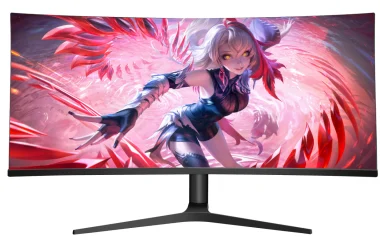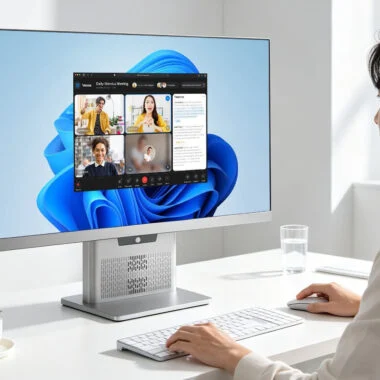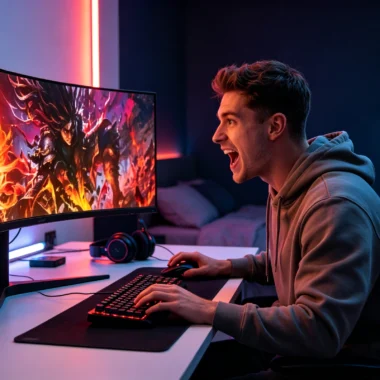
Monitor buyers used to circle between 34-inch ultrawides and bulky dual-screen setups. But recently, 40-inch 21:9 curved displays have exploded in popularity among designers, video editors, developers and gamers alike. Many people wonder: what makes the 40-inch sweet spot stand out, and can a 40-inch 5K 120Hz curved monitor truly deliver better value and experience than smaller ultrawides or multi-screen rigs? Today we break down the trend, with the ZW‑4001 from ZWDisp as a perfect example of why this size is taking over premium desks worldwide.
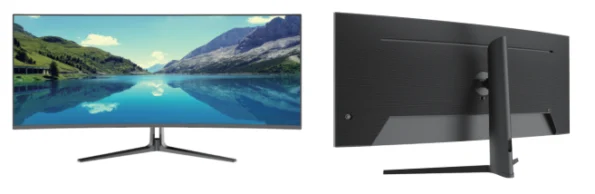
1. The 40-inch Size Solves the Biggest Pain Point: Seamless Multitasking
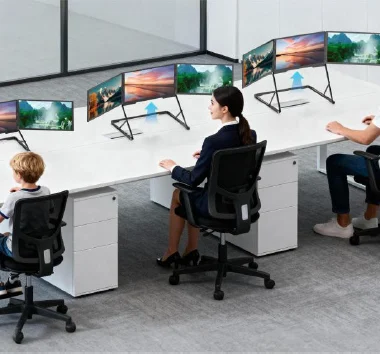
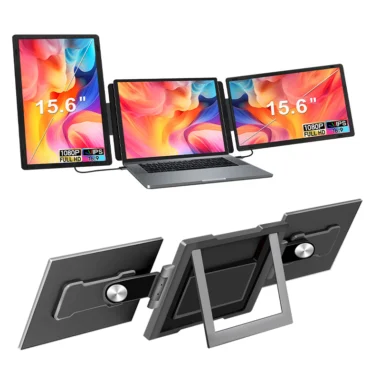
To begin with, the main reason for the 40-inch boom is its balanced horizontal workspace. On one hand, a 34-inch ultrawide is compact, yet it often feels cramped for heavy multitasking. On the other hand, two separate monitors offer plenty of space, but the thick central bezel cuts timelines, design canvases and spreadsheets right in the middle.
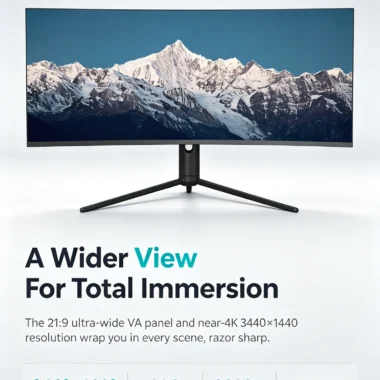
As a result, the 40-inch 21:9 panel delivers nearly the usable width of two screens while keeping one continuous, seamless display. For example, graphic designers can place reference boards, layer panels and preview windows side by side. Meanwhile, video editors stretch full timelines across the screen without constant zooming and scrolling. Developers and analysts can also arrange code editors, browsers and data dashboards easily. In short, this uninterrupted canvas removes a major workflow barrier for creative professionals.
2. 40-inch Hits the Ideal Balance Between Sharpness and Usability
Next, the modern 40-inch segment shines because it pairs 5K resolution with comfortable pixel density. The ZW‑4001 runs native 5120 × 2160. Unlike 49-inch super ultrawide panels, it delivers clear details without tiny text and tricky scaling issues.
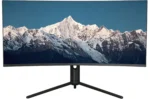
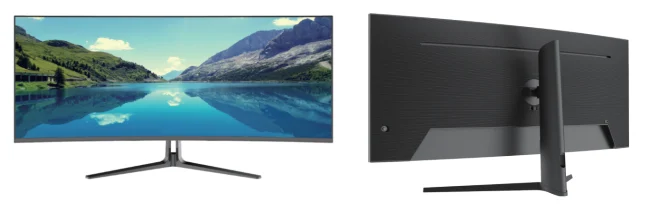
In fact, many users find 49-inch screens too wide. They require excessive head movement and also demand powerful graphics cards to run high refresh rates. By contrast, the 40-inch form factor sits in a comfortable middle ground. It is large enough for immersive work, yet it still fits on most standard desks. What’s more, the 2500R gentle curve wraps the edges toward your eyes naturally. Unlike aggressive 1000R curves that distort geometry for design work, this soft curve boosts immersion for gaming while keeping shapes accurate for creative projects.
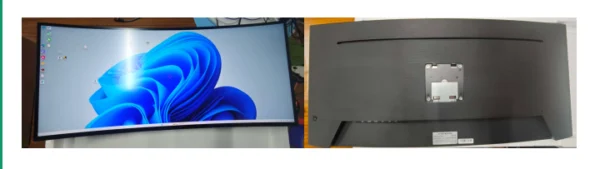
3. Premium Panel Specs Support Both Colour Work and Smooth Gaming
Besides screen size, upgraded panel technology has also helped 40-inch displays win more buyers. This ZWDisp ZW‑4001 uses IPS Black technology. Compared with traditional IPS panels, it delivers deeper blacks and a higher contrast ratio.
Additionally, it covers 100% sRGB, supports 10-bit colour depth and reaches 450 cd/m² peak brightness with HDR600 certification. Thanks to its 178-degree wide viewing angles, colours stay consistent even when multiple people view the screen together.
In the past, large ultrawide panels were limited to 60Hz refresh rates, so they only suited office work. Fortunately, premium options like the ZW‑4001 now include a 120Hz refresh rate, 1ms response time, plus FreeSync and G‑Sync compatibility. That means this single screen can handle colour-sensitive design work and fast-paced gaming.
ZW‑4001 Technical Specifications
| Item | Parameter |
|---|---|
| Screen Size | 40 inch |
| Panel Type | IPS Black |
| Resolution | 5120 × 2160 (5K) |
| Aspect Ratio | 21:9 |
| Refresh Rate | 120Hz |
| Response Time | 1ms |
| Curvature | 2500R |
| Colour Gamut | 100% sRGB |
| Colour Depth | 10-bit |
| Brightness | 450 cd/m² |
| Contrast Ratio | 2000:1 |
| HDR | HDR600 |
| Viewing Angle | 178° H / 178° V |
| Sync Tech | AMD FreeSync, NVIDIA G-Sync Compatible |
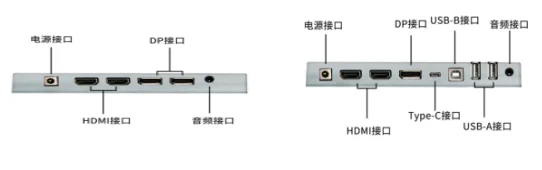
| Interfaces | 2× HDMI, 2× DisplayPort |
| Stand | Height Adjustable, Tilt: -5° ~ +20° |
| Built-in Speaker | Yes |
4. Ergonomic Design and Ports Make Daily Use Simple
Furthermore, ergonomics and connectivity bring extra practical value for remote workers and studio creators. The adjustable stand supports height adjustment and tilt from -5° to +20°. As a result, users can adjust the screen height and angle to reduce neck strain during long editing or gaming sessions.
It also comes with built-in speakers for casual media playback and online calls. Best of all, dual HDMI and dual DisplayPort inputs let you connect a work laptop and gaming PC at the same time. You can switch sources instantly. Ultimately, this setup helps you build a clean desk with fewer cables.
5. Who Should (and Should Not) Pick a 40-inch Ultrawide?
Even so, the 40-inch size is not perfect for everyone. First, it needs enough desk depth, so buyers with compact workspaces may still prefer 34-inch models. Second, driving native 5K 120Hz requires a strong graphics card. If you own an older GPU, you may need to lower resolution or refresh rate for smooth performance.
Final Thoughts
To sum up, the 40-inch ultrawide earns its popularity because it solves real user problems. It replaces dual monitors, avoids the bulky footprint of 49-inch screens, and balances sharp 5K visuals with high-refresh gaming performance. If you are a designer or gamer looking for one premium all-in-one screen, the 40-inch size is absolutely worth considering. If you want to explore this hybrid display, the ZW‑4001 40‑Inch 5K IPS 120Hz curved monitor is an excellent example.
Ready to Learn More About the ZW‑4001?
If this 40-inch 5K ultrawide monitor matches your workflow needs, do not hesitate to reach out to our team. Whether you want bulk pricing, custom configuration options, lead time details, or have technical questions about compatibility, our sales specialists are ready to help. In addition, we can share more test footage and sample references for your review. Simply send us a message, and we will get back to you promptly with all the information you need. https://www.zwdisp.com/contact-us/