If you do any meaningful amount of work away from a fixed desk — client sites, co-working spaces, airport lounges, hotel rooms, the corner booth at your favorite café — you already know the truth: a portable monitor is a productivity ceiling. Spreadsheets eat one window, video calls eat another, and your actual deliverable gets squeezed into whatever pixels are left. A portable monitor blows that ceiling wide open. The question isn’t whether you need one.
At ZWDISP we’ve spent years building portable displays for exactly this kind of mobile professional. In this guide we’ll walk through what actually matters when you’re working on the go, then match you to the right portable monitor from our current lineup. By the end, you’ll know precisely which screen deserves a spot in your bag.
https://www.zwdisp.com/product-category/portable-monitor
Why a Portable Monitor Is No Longer Optional for Mobile Work
Let’s start with the obvious benefit: screen real estate. Study after study shows that adding a second display can lift productivity by 20–30% for knowledge workers. When you’re traveling, that lift is even more valuable because you can’t lean on a 27-inch desktop panel — it’s just you, your laptop, and whatever you can carry.
But modern portable monitors solve more than just space. They solve:
- Presentation problems — show a client two documents side-by-side without tab-switching.
- Connectivity problems — USB-C Alt Mode means one cable carries video, power, and sometimes even charging pass-through to your laptop.
- Ergonomics problems — a laptop propped on a stand plus a portable monitor at eye level saves your neck during 10-hour workdays.
- Entertainment problems — after the work is done, that same panel becomes a Switch, PS5, or Netflix screen.
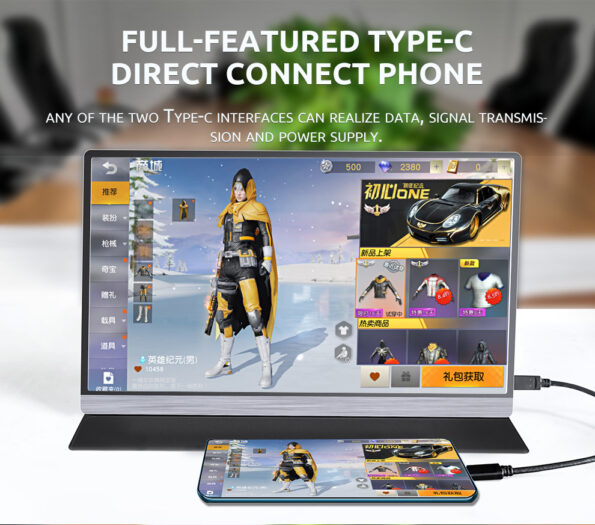
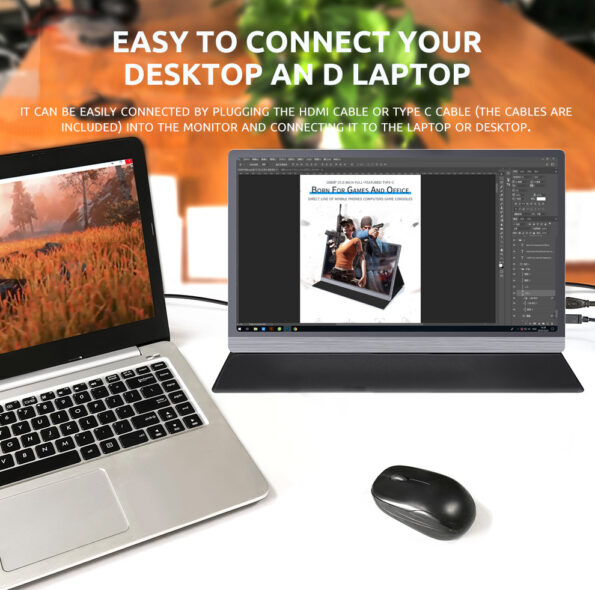
The portable monitor market has matured fast. Where early models were dim, plasticky, and finicky, today’s panels offer IPS clarity, 1080p (and increasingly 2.5K) resolution, 60–144Hz refresh rates, and brightness levels that hold up in a sunlit boarding lounge. Our own catalog reflects this evolution — from featherweight 13.3″ single panels to full triple-screen battlefield rigs.
What Actually Matters When You Work on the Go
Before we get to specific product picks, let’s define the five variables that separate a great travel monitor from a frustrating one:
1. Brightness (Nits)
This is where many cheap portables fail. Anything under 250 nits struggles in bright environments — near a window, outdoors, on a train. We recommend 250 nits as an absolute floor for mobile work, with 300+ nits being ideal for frequent flyers.
2. Connectivity
USB-C with DisplayPort Alt Mode is non-negotiable in 2026. You want at least:
- 1× USB-C for video + power from your laptop
- 1× USB-C or Mini HDMI for a second source or power passthrough
- Mini HDMI as a fallback for cameras, older laptops, and consoles
3. Panel Quality
IPS is the gold standard — wide viewing angles (typically 85°/85°/85°/85°), accurate colors, no glow distortion. Resolution-wise, 1920×1080 (FHD) is the baseline; 2560×1600 (2.5K) is the premium tier for designers and developers who want pixel density.
4. Form Factor for Your Workflow
Here’s where it gets personal:
- Solo consultant? → A single 15.6″ FHD panel is perfect.
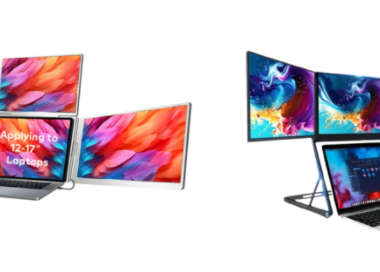
- Analyst drowning in spreadsheets? → A dual-screen extender wraps two panels around your laptop.
- Trading, coding, or multicam editing on the road? → A triple-screen rig turns your laptop into a command center.
- Creative professional? → Touch or 4K high-refresh is your friend.
How to Choose: A Decision Framework
Still not sure which one is yours? Let’s simplify:
| Your Primary Use Case | Recommended Model | Why |
|---|---|---|
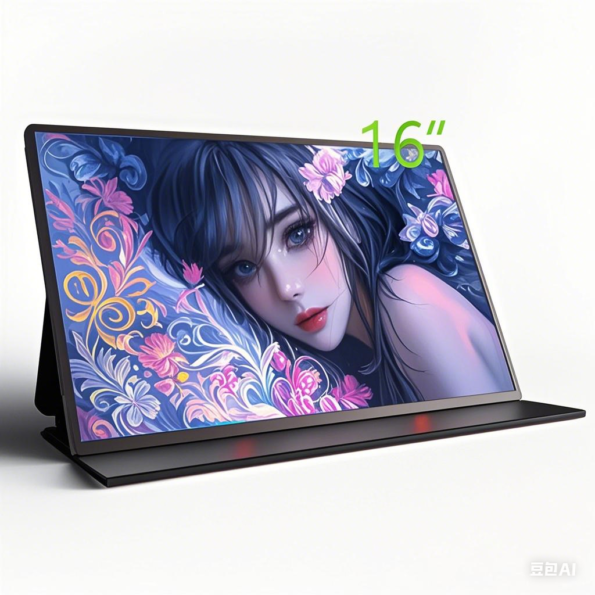
| Premium single-screen experience | 16″ 2.5K 144Hz | Sharpest, brightest, smoothest panel we make |
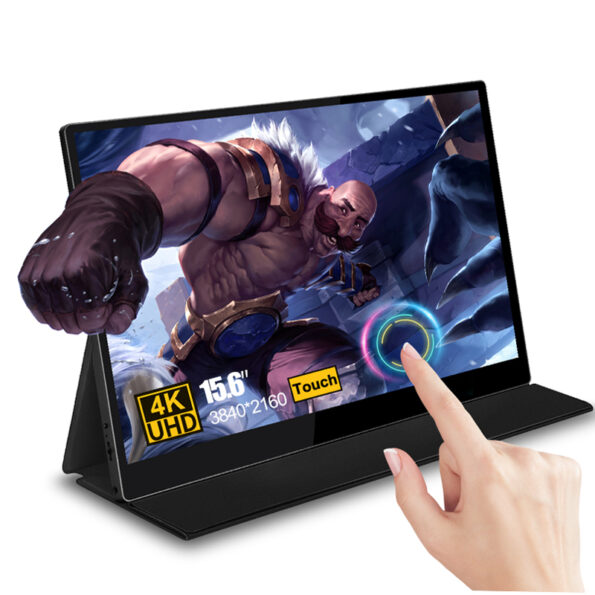
| Interactive / touch workflow | 15.6″ Touch Portable Monitor | Capacitive touch + kickstand |
| Wireless presentations | 18.5″ Wireless Projection Monitor | Cast without cables, big-screen impact |
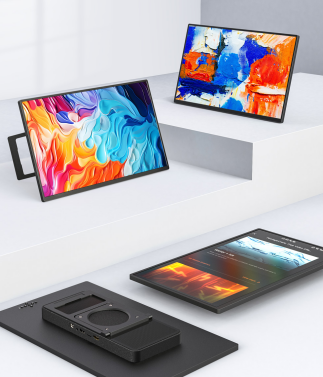
Pro Tips for Working on the Go with a Portable Monitor
Once you’ve picked your panel, these practices will maximize your mobile productivity:
1. Master the USB-C single-cable setup. Most modern laptops can drive a portable monitor and charge it through a single USB-C connection (with Power Delivery). Our dual-screen and touch models support PD 3.1/PD 2.0 — meaning one cable from your laptop powers the monitor, and if your monitor has passthrough, it can even charge your laptop. Game-changing for minimal-desk scenarios.
2. Adjust brightness to your environment. Higher brightness drains more power. Indoors, drop to 60–70%. Near windows or outdoors, crank to 100%. Our 16″ 2.5K model’s 400-nit panel gives you the most headroom here.
3. Use the right orientation. Our dual-screen extender’s gravity sensor allows 90° landscape rotation and 180° central flip. Stack reference material vertically on one side, keep your main work horizontal on the other.
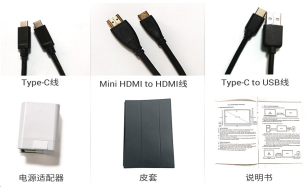
4. Pack the right cables. Always carry: 1× USB-C to USB-C (full function), 1× Mini HDMI to HDMI, 1× USB-C PD wall charger. Our monitors ship with these, but a backup set in your travel kit saves panic moments.
5. Consider a dedicated carry case. Especially for the triple-screen ZW156, a padded sleeve or hard case protects both the panels and your other luggage. We include a waterproof monitor sleeve bag with select models.
6. Leverage touch if you have it. Our 15.6″ touch model isn’t just a gimmick — use it for scrolling documents, annotating PDFs, and navigating design tools. It reduces trackpad fatigue during long sessions.
The Bottom Line
There is no single “best” portable monitor for working on the go — there’s only the best one for your work. At ZWDISP, we’ve deliberately built a portfolio that spans the full spectrum:
- Crave premium single-panel performance? → 16″ 2.5K 144Hz
- Require touch interactivity? → 15.6″ Touch Monitor
- Demand wireless presentation freedom? → 18.5″ Wireless Monitor
Whichever you choose, you’re making an investment that will pay dividends in productivity, professionalism, and sanity on every trip. The era of squinting at a single laptop screen in a hotel room is over.
Ready to find your perfect travel companion? Explore the full range, check detailed specs, and order with confidence — every ZWDISP portable monitor ships globally with the cables, adapters, and protection you need to hit the ground running.